按标题自动重命名MD中的图片

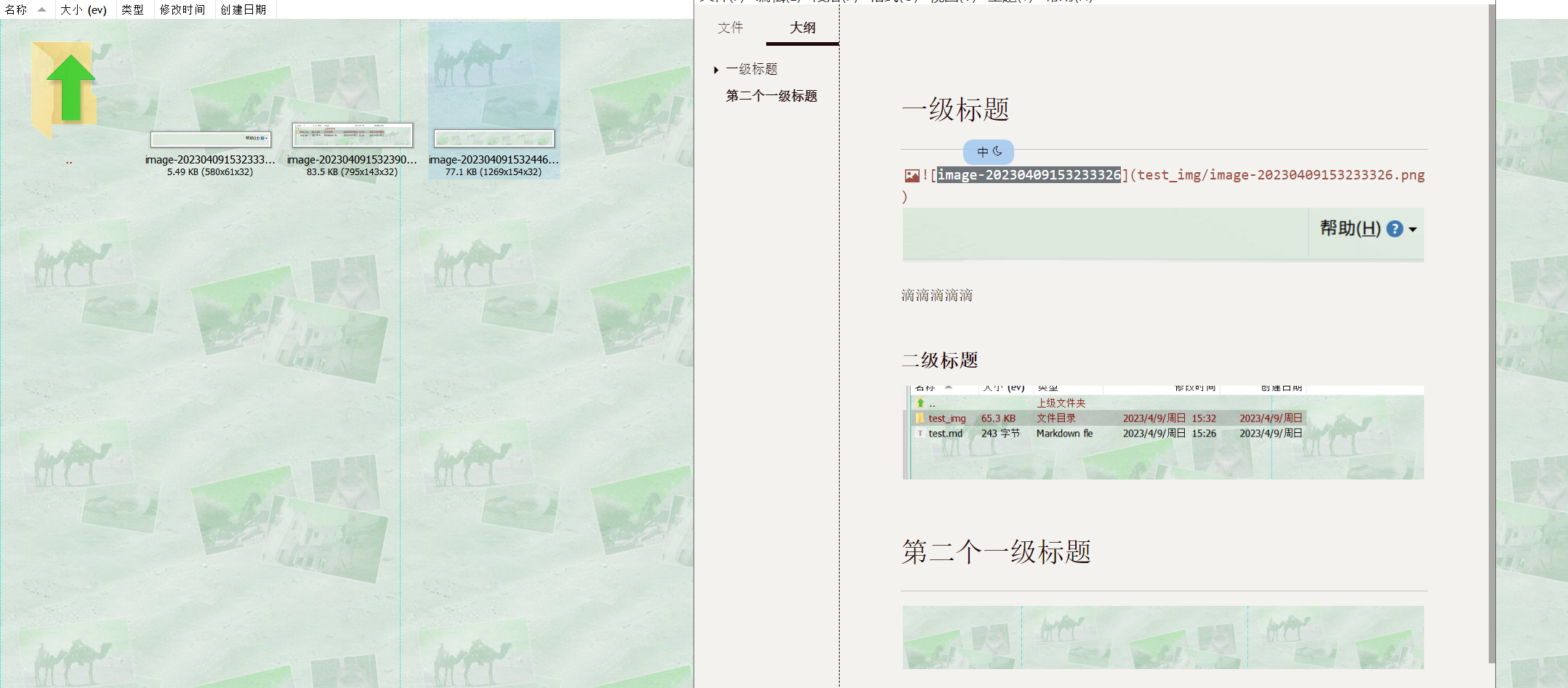
使用typora的粘贴图片后, 图片默认以时间的格式命名, 不利于后面查找, 当然, 如果没有查找图片的需求, 下面的内容就必要看了 我喜欢把图片保存在文件名.assets的目录下, 所以下面的代码, 都是基于此写的, 图片保存到其它目录的

使用typora的粘贴图片后, 图片默认以时间的格式命名, 不利于后面查找, 当然, 如果没有查找图片的需求, 下面的内容就必要看了

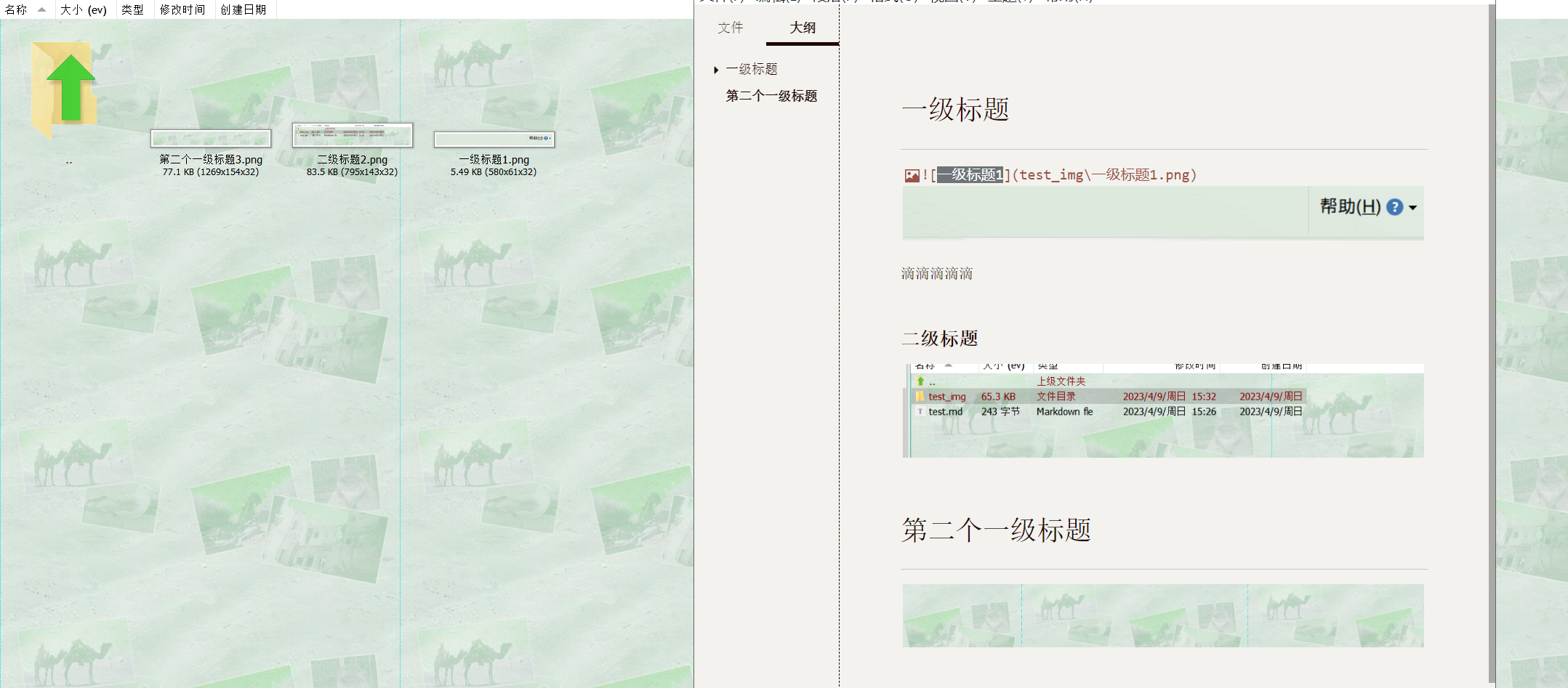
我喜欢把图片保存在文件名.assets的目录下, 所以下面的代码, 都是基于此写的, 图片保存到其它目录的, 请自行修改newfileFullPath

代码比较简单, 就是读md文件, 判断标题格式和图片格式, 再重写md文件, 图片重命名

按标题自动重命名MD中的图片

按标题自动重命名MD中的图片

按标题自动重命名MD中的图片

doTyporaImgChangeName(path){

if (!FileExist(path)) {
MsgBox, “md文件不存在”
return
}
SplitPath, path , OutFileName, OutDir, OutExtension, OutNameNoExt
; Msgbox % “路径: ” . path . “-文件名: ” . OutFileName . “-目录: ” . OutDir
if (OutExtension != “md”) {
return
}
OutDir.=”\”
title := “”
titleIdx := 1
newMdFile := path . “bak”
newFileList := []
oldFileList := []
FileEncoding, UTF-8-RAW
; Log(“new md” . newMdFile)
; Log(“开始读取” . path)
loop, Read, % path, % newMdFile
{
newline := A_LoopReadLine
;找到标题
if(InStr(newline, “# “)){
Array := StrSplit(newline , “# “)
title := Array[2]
; Log(Array[2])
}

;找到图片 ![1676632803041](test.assets/1676632803041.png) ![imgName](image-1312312.png)
if(InStr(newline, “![“)){
;获取图片路径
RegExMatch(newline, “\((.*)\)”, fullName)
; fullName1=test.assets/1676632803041.png imgName.png
split:= StrSplit(fullName1, “/”)
oldFileName := split.Length() > 1 ? split[2] : split[1]
;指定重命名的文件
if (!RegExMatch(oldFileName, “^(\d+|image-\w*)\.\w+$”)) {
FileAppend, %newline%`n
continue
}
oldFileNameSplit := StrSplit(oldFileName, “.”)
newImgPartPath := title . titleIdx . “.” . oldFileNameSplit[2]
if(split.Length() > 1) {
newImgPartPath:= split[1] . “\” . newImgPartPath
}
;重命名文件
oldfileFullPath:= OutDir . fullName1
newfileFullPath:= OutDir . newImgPartPath
oldFileList.Push(oldfileFullPath)
newFileList.Push(newfileFullPath)
; Log(oldfile . ” 移动到 “)
; Log(newfile)
if !FileExist(oldfileFullPath) {
MsgBox, % “图片文件不存在, OutDir: ” . OutDir . “-fullName1: ” . fullName1
return
}
newline:= “![” . title . titleIdx . “](” . newImgPartPath . “)”
titleIdx += 1
}
FileAppend, %newline%`n
}
if(newFileList.Length() > 1){
;图片重命名
For index, oldfileFullPath in oldFileList
FileMove, % oldfileFullPath, % newFileList[index]
;删除老文件
FileDelete, % path
;新文件重命名
FileMove, % newMdFile, % path, 1
; MsgBox “结束了”
}
}

声明:本站所有文章,如无特殊说明或标注,均为本站原创发布。任何个人或组织,在未征得本站同意时,禁止复制、盗用、采集、发布本站内容到任何网站、书籍等各类媒体平台。如若本站内容侵犯了原著者的合法权益,可联系我们进行处理。

给TA捐赠
共{{data.count}}人
人已捐赠
应用

台服剑灵后台自动钓鱼辅助

2023-2-7 20:27:32

应用案例

CTRL+SHIFT+Right增强

2023-4-12 9:17:54

0 条回复 A文章作者 M管理员
    暂无讨论,说说你的看法吧
❯
个人中心
购物车
优惠劵
今日签到
有新私信 私信列表
搜索